

You have a 20-page PDF report and you only need pages 5 to 8. Or you have a scanned contract and your client needs just the signature page. Or you have a large PDF form and need to extract specific sections to send to different departments.
Splitting a PDF into separate pages is one of the most common document tasks people face every day — in business, in education and in personal admin. And yet most free tools that offer this feature require you to upload your document to their server, create an account, or accept daily usage limits before they will let you do it.
In this guide we will show you how to split any PDF into separate pages for free — instantly, in your browser, with no upload and no signup — using PDFStream.
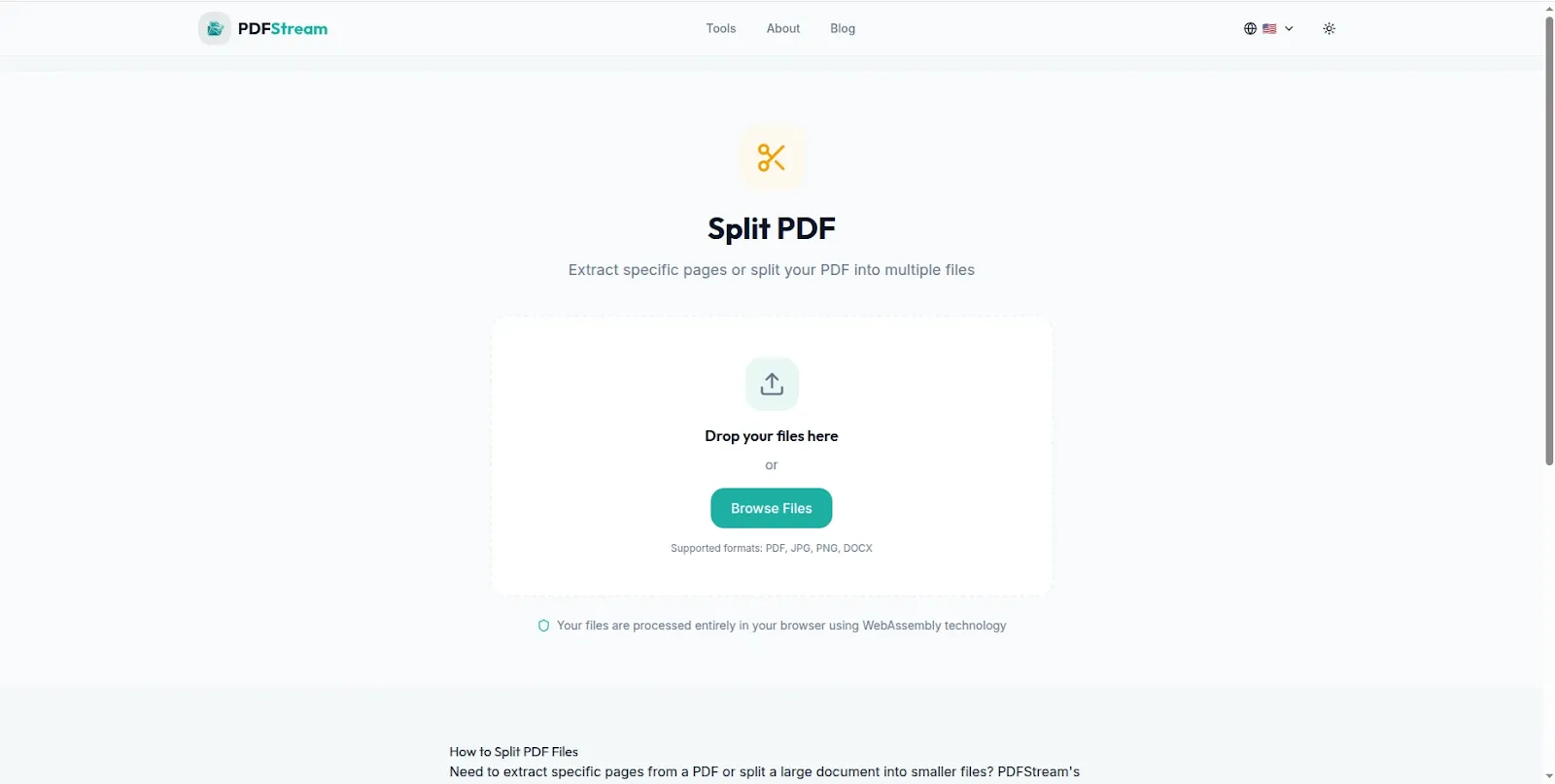
PDFStream — Split PDF pages free in your browser. No uploads, no signup required.
Why Most Free PDF Splitters Are Frustrating to Use
Search for a free PDF splitter online and you will find plenty of options. But spend five minutes with most of them and you will run into one or more of these problems:
They require account creation: Adobe Acrobat's free online PDF splitter — one of the most searched tools — requires you to sign in before you can download your split files. For a quick document task, creating yet another account is an unnecessary barrier.
They upload your documents: The vast majority of free PDF splitters upload your document to a remote server before processing it. For personal documents, legal contracts, financial statements and confidential business files, uploading to an unknown server is a genuine privacy concern — particularly for professionals handling client documents.
They have daily limits: Many free tools restrict you to a set number of operations per day or per hour. When you need to split multiple documents quickly, hitting a limit halfway through your work is extremely frustrating.
They add watermarks: Some free PDF splitters add watermarks to your output files unless you pay for a premium subscription — making the "free" version essentially unusable for professional documents.
PDFStream solves all of these problems — no account, no upload, no daily limits and no watermarks. Everything happens privately in your browser, completely free.
How to Split a PDF Into Separate Pages for Free Using PDFStream
Here is the step by step process for splitting your PDF using PDFStream:
Step 1: Open PDFStream in Your Browser
Go to pdfstream.nzuki.com in any modern browser — Chrome, Edge, Firefox or Brave on desktop or mobile. No account, no installation and no signup required.
Step 2: Load Your PDF
Click the upload area or drag and drop your PDF onto the page. Your PDF loads directly into your browser memory — it never leaves your device or gets transmitted to any server. This means your document contents remain completely private throughout the entire process.
Step 3: Select Your Split Options
PDFStream gives you flexible options for how to split your document. You can extract every page as a separate PDF file, select specific page ranges to extract as a single document, or choose individual pages to save separately. Select the option that matches your needs.
Step 4: Split and Download
Click the Split button — the operation happens instantly inside your browser. Download your individual pages or page ranges as separate PDF files. Each file is ready to share, email or upload immediately.
No account. No upload. No watermarks. No daily limits. Completely free.
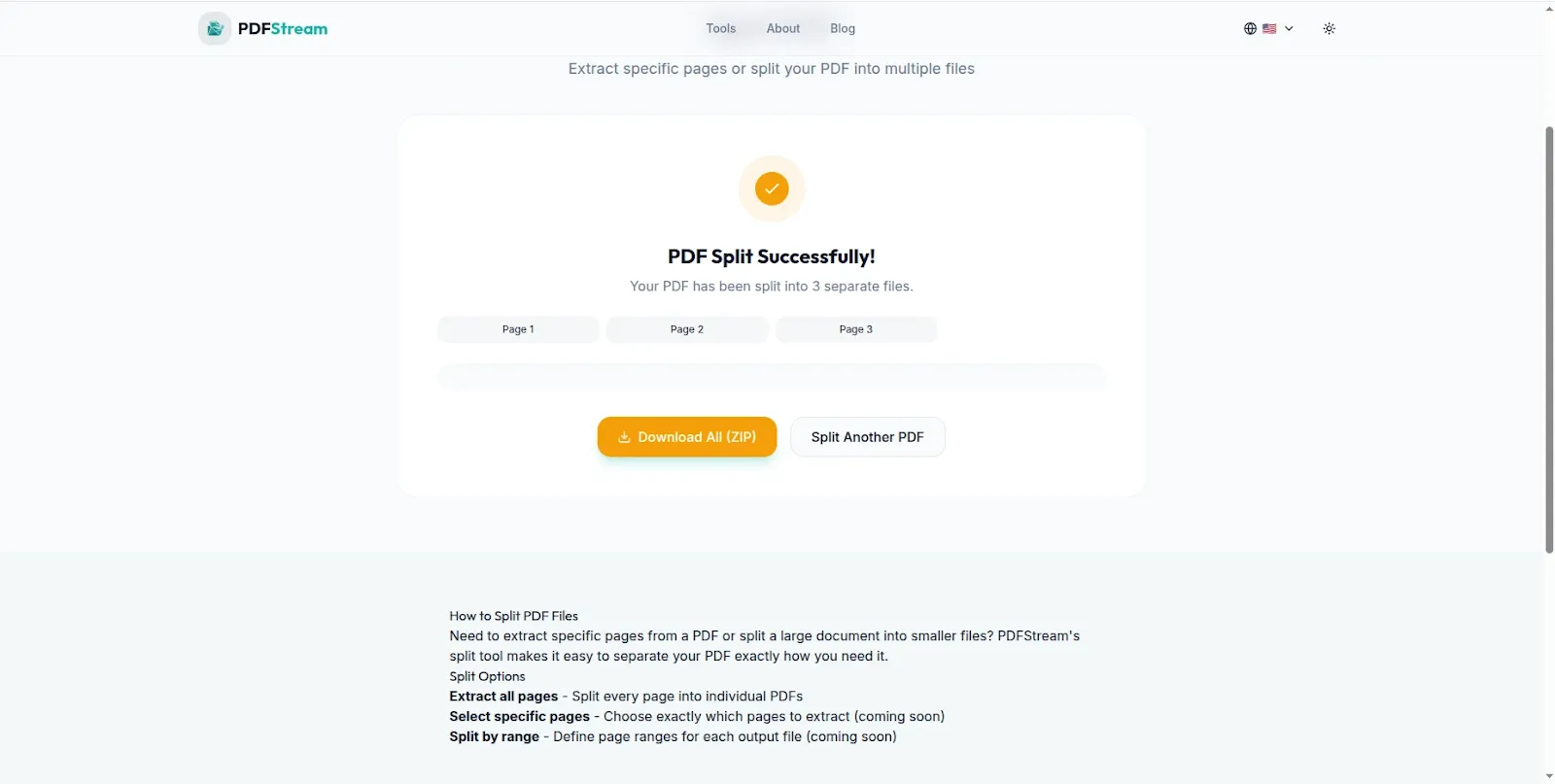
Split your PDF into separate pages instantly — download each page individually.
Common Reasons to Split a PDF — Real Use Cases
Extracting specific pages from a report: You receive a 50-page annual report but only need the financial summary on pages 12 to 15 to share with your accountant. Split the PDF and extract just those pages as a clean separate document.
Separating a scanned document: You scan multiple documents together for convenience but need to send them to different recipients. Split the combined scan into separate files for each recipient.
Sharing individual contract pages: A legal contract has a signature page that needs to be signed and returned separately. Extract just the signature page as a standalone PDF for easy handling.
Splitting a presentation for distribution: You have a 30-slide presentation exported as a PDF and need to share different sections with different teams. Split it into section-specific PDFs for targeted distribution.
Organizing study materials: Students often receive large textbook chapters or lecture notes as single PDFs. Splitting these into individual topic sections makes studying more manageable and allows specific sections to be shared with study partners.
Separating invoice pages: Businesses that generate multi-page invoices or statements sometimes need to extract individual invoice pages for specific clients or accounting periods. PDFStream handles this quickly and privately.
Reducing email attachment size: A large PDF may exceed email attachment limits. Splitting it into smaller separate files makes it easy to send via email without compression or cloud storage workarounds.
PDFStream's Full PDF Toolkit — Everything in One Place
Splitting PDFs is just one of the tools available in PDFStream. Here is the complete toolkit — all free, all browser-based, all with zero uploads:
- Split PDF — separate any PDF into individual pages or page ranges
- Merge PDF — combine multiple PDF files into one document
- Compress PDF — reduce PDF file size without losing quality
- Convert PDF to Word — extract content for editing in Word format
- Remove pages — delete unwanted pages from any PDF
All of these tools work the same way — locally in your browser with no uploads, no accounts and no fees. pdfstream.nzuki.com is the only PDF toolkit you need to bookmark.
Frequently Asked Questions
Can I split a PDF into separate pages for free without signing up?
Yes — PDFStream splits PDFs into separate pages completely free with no account required. Open pdfstream.nzuki.com in your browser, load your PDF and split it instantly. No signup, no email address, no password required.
Is it safe to split confidential PDFs using PDFStream?
Yes — PDFStream is one of the safest options for sensitive documents because all processing happens locally in your browser. Your PDF never leaves your device. No server ever sees your document content — making it ideal for legal contracts, financial statements, medical records and confidential business documents.
Can I extract just specific pages from a PDF rather than splitting all pages?
Yes. PDFStream lets you select specific pages or page ranges to extract — you do not have to split every page. Choose exactly which pages you need and download just those as a new PDF file.
Is there a file size limit for PDFs in PDFStream?
PDFStream handles standard PDF files of typical sizes used in business and personal documents. Very large PDF files with hundreds of pages or embedded high-resolution images may take slightly longer to process in the browser but the tool handles most common documents without issues.
Does PDFStream add watermarks to split PDF files?
No — PDFStream never adds watermarks to your output files. Your split PDFs are clean, professional documents ready for immediate use with no branding or watermarks added.
Can I use PDFStream on my phone to split PDFs?
Yes. PDFStream works fully on Android and iOS browsers without any app installation. You can split PDF files directly on your smartphone — useful for quickly extracting pages from documents received on mobile.
Is PDFStream really completely free?
Yes — completely free with no hidden fees, no premium tiers and no daily limits. PDFStream is built and maintained by VelocityAI Solutions as a free tool for everyone.
Conclusion
Splitting a PDF should take thirty seconds — not five minutes of account creation, file uploading and waiting for server processing. PDFStream gives you instant, free, private PDF splitting directly in your browser with no barriers between you and your document.
No upload. No signup. No watermarks. No limits. Just open the tool, load your PDF, split it and download your pages — exactly the way a free tool should work.
Bookmark pdfstream.nzuki.com — the next time you need to split, merge, compress or convert a PDF, it is the only tool you will need.
Also check our other free browser-based tools: convert PDF to Word free, is it safe to upload PDFs online, compress images to 50KB, convert PNG to WebP free and our free keyword density checker.
🚀 Need a Professional Website or Custom Tool for Your Business?
VelocityAI Solutions builds AI-powered websites, mobile apps and business automation tools for businesses in Nairobi and beyond — at startup-friendly prices.
✅ Web Development | ✅ Mobile Apps | ✅ Business Automation | ✅ Cybersecurity
🌐 velocity-ai-solutions.nzuki.com
💬 WhatsApp: +254 735 644 100
📩 info.nzuki@gmail.com

0 Comments