

You need to submit a photo for a job application, a government form or an online portal — and the system is rejecting your image because it exceeds the 50KB file size limit. Your photo looks perfectly fine to you, but the upload portal will not accept it.
This is one of the most common frustrations people face online in 2026 — and it happens constantly with government portals, university admission systems, HR platforms, visa applications and e-commerce product listings.
The good news? You can compress any image to 50KB in seconds — completely free, without installing any software and without uploading your photo to any external server. In this guide we will show you exactly how using SwiftPix.
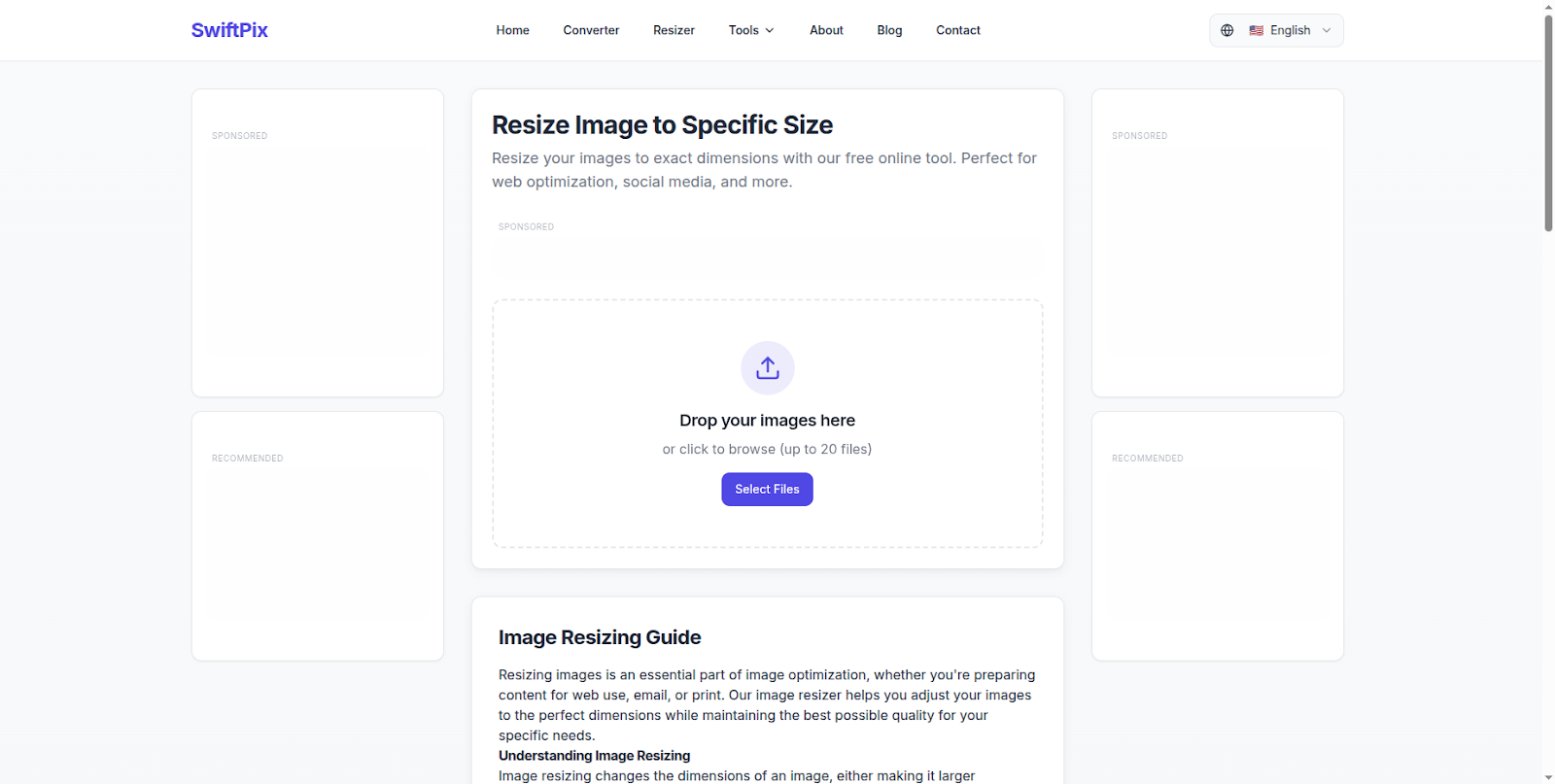
SwiftPix — Compress images to any size free in your browser. No uploads required.
Why Do Portals Require Images Under 50KB?
A 50KB file size limit sounds restrictive — but there are good reasons why so many systems enforce it:
Server storage costs: Government systems and large portals process millions of applications. Keeping image sizes small reduces storage and bandwidth costs significantly across the entire platform.
Faster processing: Smaller files upload faster and process faster — especially important for older government IT systems that were not built to handle large files.
Standardization: Many official document processing systems require standardized file sizes to ensure consistent rendering across different displays and printing systems.
Email attachment limits: Many HR and recruitment systems that process applications via email have attachment size limits — requiring applicants to submit compressed photos.
The 50KB limit is especially common in: visa and passport applications, university admission portals, government job application systems, KYC (Know Your Customer) identity verification forms, and e-commerce platforms requiring standardized product images.
The Problem With Most Online Image Compressors
If you search for a free image compressor online, you will find dozens of tools — but almost all of them have the same approach: upload your image to their server, process it remotely, and let you download the result.
For a casual photo this might seem harmless. But consider what people typically need to compress to 50KB:
Passport photos. National ID scans. Visa application photos. Job application headshots. University admission photos. KYC identity documents.
These are among the most sensitive personal images you have. Uploading them to a random free online tool means your face, your identity documents and your personal photos are sitting on a stranger's server — with no guarantee of when or how securely they will be deleted.
The safer approach is using a browser-based tool that compresses your image locally on your own device — with no uploads, no servers and no privacy risk.
How to Compress an Image to 50KB for Free Using SwiftPix
SwiftPix is a free browser-based image tool that compresses images entirely in your browser. Your files never leave your device — making it the safest free image compressor available for sensitive documents like passport photos and ID images.
Step 1: Open SwiftPix in Your Browser
Go to swiftpix.nzuki.com in any modern browser — Chrome, Edge, Firefox or Brave on desktop or mobile. No account or installation required.
Step 2: Upload Your Image
Click the upload area or drag and drop your image onto the page. SwiftPix supports JPG, PNG, WebP, HEIC and GIF formats. The image loads directly into your browser memory — it never leaves your device.
Step 3: Set Your Target File Size
Select the compression option and set your target file size to 50KB. You can also adjust quality settings to find the best balance between file size and image clarity for your specific use case.
Step 4: Compress and Download
Click Compress — the operation happens instantly in your browser. Preview your compressed image to confirm quality, then click Download to save the 50KB file to your device. Ready to upload to any portal immediately.
No account. No waiting. No server. No privacy risk. Completely free.
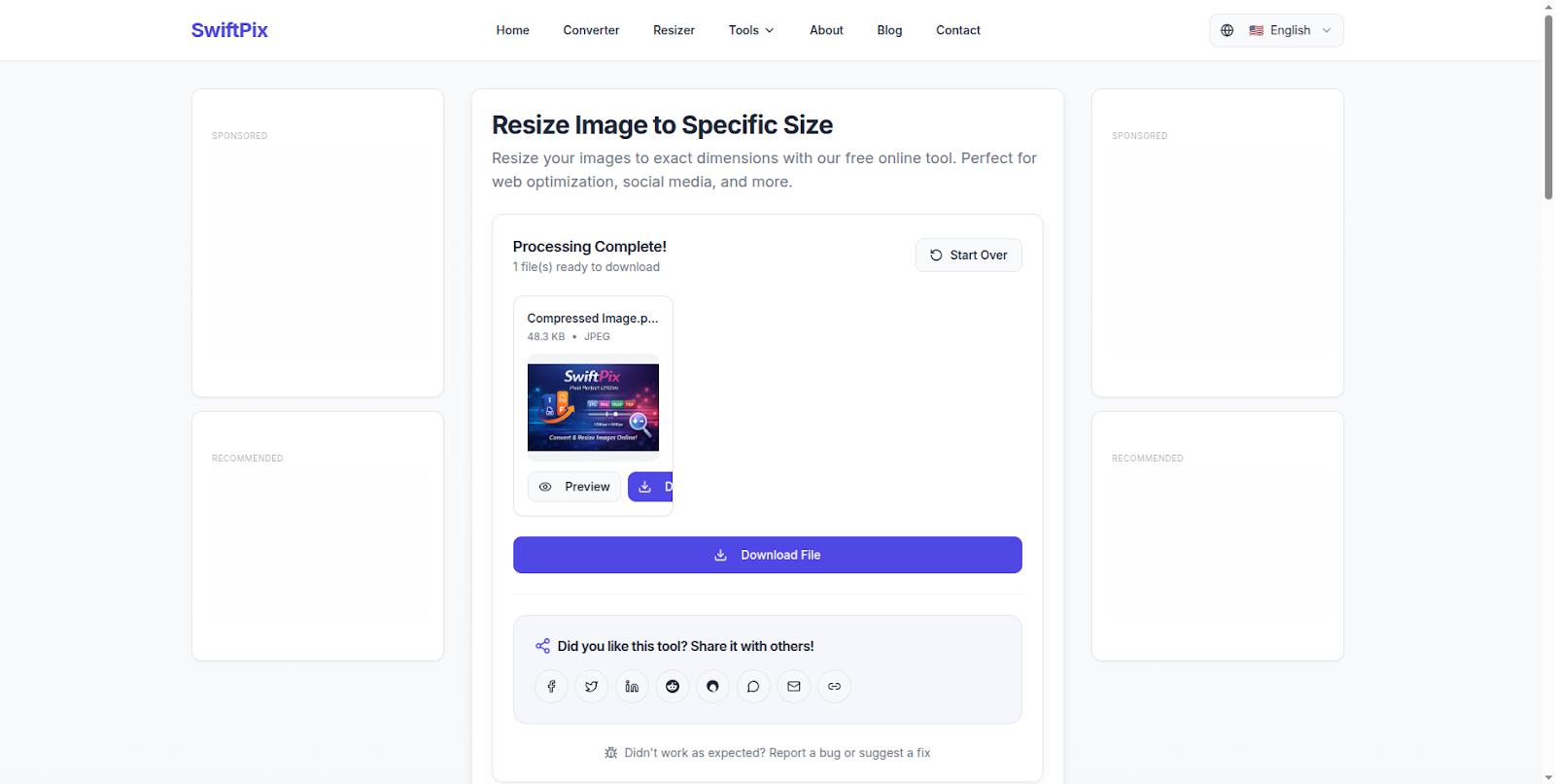
Image compressed to 50KB instantly — download and use immediately.
How to Compress an Image to 50KB Without Losing Quality
Start with JPG format: JPG compresses far better than PNG at small file sizes. If your image is currently a PNG, convert it to JPG first using SwiftPix, then compress. You will get noticeably better quality at 50KB.
Resize before compressing: A large image compressed to 50KB looks much worse than a smaller image compressed to 50KB. Resize your image to the dimensions required by the portal first — most portals specify exact pixel dimensions alongside the file size limit.
Use the quality slider: Rather than automatically compressing to exactly 50KB, manually adjust compression until you reach just under 50KB at the highest possible quality. The difference between 47KB and 50KB is invisible but maximizes quality retention.
Do not over-compress: A 49KB file is just as acceptable as a 50KB file to any portal. Do not compress to 30KB or 40KB when 49KB gives you noticeably better quality.
Common Use Cases — When You Need to Compress to 50KB
Government job applications: Most government e-recruitment portals in Kenya and across Africa require passport photos under 50KB in JPG format. This is one of the most common reasons people search for image compression tools.
University admission portals: University online application systems almost universally require applicant photos under 50KB. Failing to compress your photo to the required size results in rejected applications.
Visa applications: Online visa application systems for many countries specify strict file size limits — often 50KB or less — for passport photos and supporting documents.
E-commerce product listings: Online marketplaces often require product images under specific file size limits to ensure fast page loading. Compressing product photos to 50KB improves page speed and customer experience.
Blog and website images: Large images slow down websites significantly. Compressing blog images to under 50KB improves page load speed — which directly impacts SEO rankings.
Frequently Asked Questions
Can I compress an image to exactly 50KB without losing quality?
Some quality reduction is unavoidable when compressing significantly. However by starting with JPG format, resizing to the correct dimensions first, and using a quality slider rather than automatic compression, you can minimize visible quality loss. SwiftPix gives you manual control over compression settings to achieve the best possible quality at your target file size.
Is it safe to use SwiftPix for passport photos and ID images?
Yes — SwiftPix is one of the safest options for sensitive images because it processes everything locally in your browser. Your passport photo or ID image never leaves your device. No server ever sees your file.
What image formats can I compress with SwiftPix?
SwiftPix supports JPG, PNG, WebP, HEIC and GIF. You can also convert between formats as part of the compression process.
Can I compress multiple images to 50KB at once?
Yes. SwiftPix supports batch processing — compress multiple images simultaneously, saving significant time when processing multiple application photos or product images.
Why is my compressed image still blurry even at 50KB?
Blurriness at 50KB usually means the original image was too large in dimensions. Resize your image to smaller dimensions first — for example 600 x 400 pixels for a web photo — then compress to 50KB. The result will be significantly sharper.
Does SwiftPix work on mobile phones?
Yes. SwiftPix works fully on Android and iOS browsers without any app installation. Compress images to 50KB directly on your phone before submitting to application portals.
Conclusion
Compressing an image to 50KB does not have to mean choosing between file size and privacy. With SwiftPix you get both — a free, instant image compressor that works entirely in your browser with zero uploads and zero privacy risk.
Whether you are preparing a passport photo for a government portal, compressing product images for an e-commerce listing or optimizing blog images for faster page speed — SwiftPix handles it all for free, privately, right in your browser.
Go to swiftpix.nzuki.com and compress your image to 50KB in under 60 seconds.
Also check our other free browser-based tools: resize images for Instagram, convert HEIC to JPG on Windows, merge PDFs without uploading and our free word counter for essays.
🚀 Need a Professional Website or Custom Tool for Your Business?
VelocityAI Solutions builds AI-powered websites, mobile apps and business automation tools for businesses in Nairobi and beyond — at startup-friendly prices.
✅ Web Development | ✅ Mobile Apps | ✅ Business Automation | ✅ Cybersecurity
🌐 velocity-ai-solutions.nzuki.com
💬 WhatsApp: +254 735 644 100
📩 info.nzuki@gmail.com


0 Comments